

Maximizing Your Website's Visibility on Google for Free
Google Search Console can help you understand how people find your website through Google Search. This guide explains practical steps for reviewing visibility, choosing useful topics, and maintaining your site without paying for search ads.
Setting Up Your Search Console
Verify access to your website
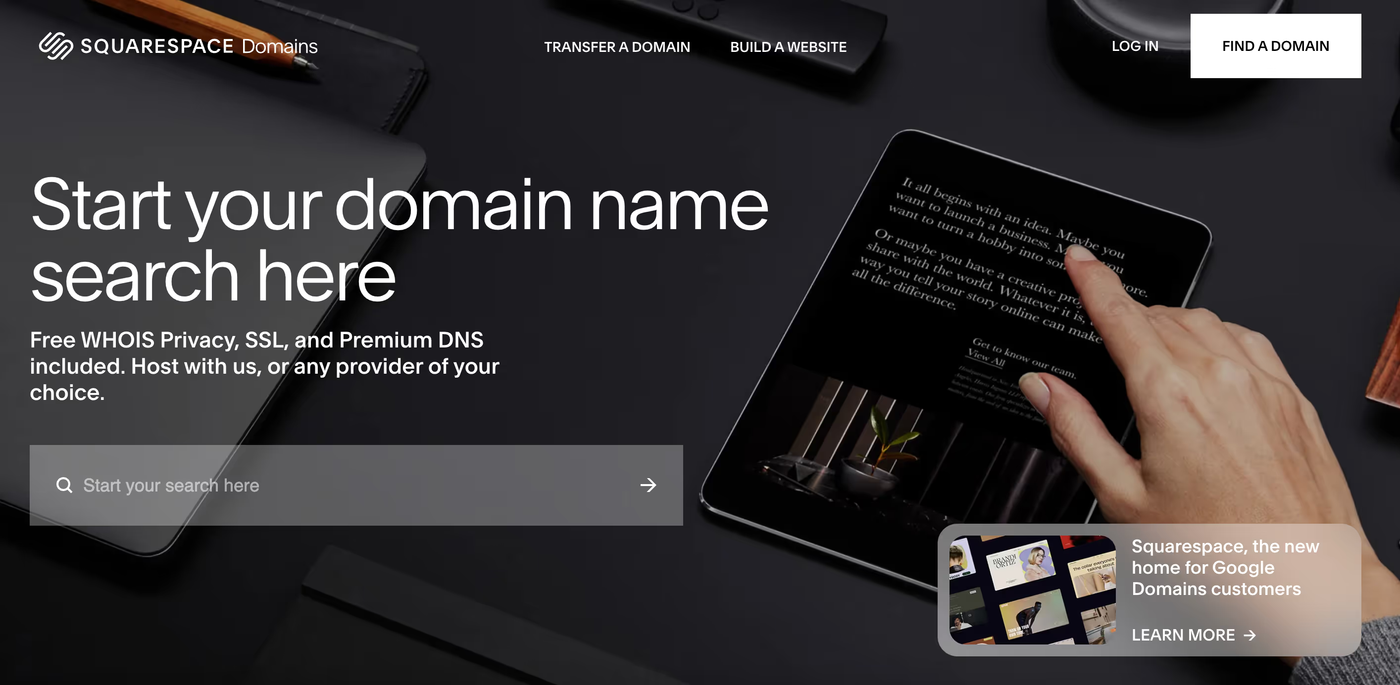
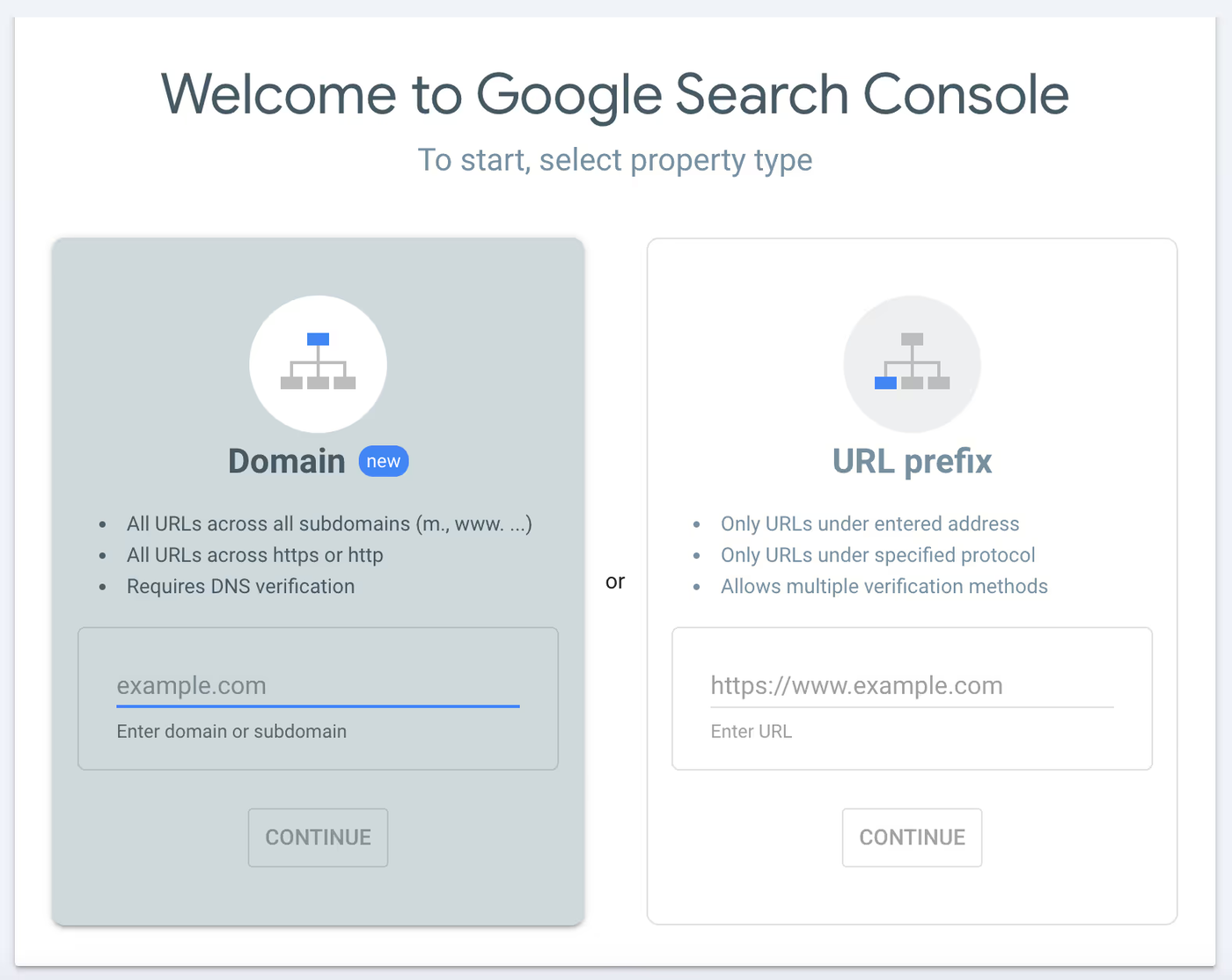
A custom domain is not required for a page to appear in Google Search. To use Search Console, verify a property you control. Domain properties use DNS verification; URL-prefix properties support other verification methods depending on your website setup.
Connect Your Search Console
Set up and verify the appropriate Search Console property. It reports clicks, impressions, queries, and other search information, subject to reporting limits. It does not measure every visit or prove that every URL is indexed.
Preparing Your Website for SEO
Push Your Sitemap to Google
Check whether your CMS generates a sitemap. Submit its URL in Search Console and review processing errors.
That might sound complicated, but it isn’t. By CMS, we mean a content management system. This is a software that helps you create, manage, and organize content on a website without needing to know how to code. It allows you to easily add, edit, and publish text, images, and other content through a user-friendly interface. A sitemap is a file with all the relevant information about the content on your site. It helps Google navigate your site.
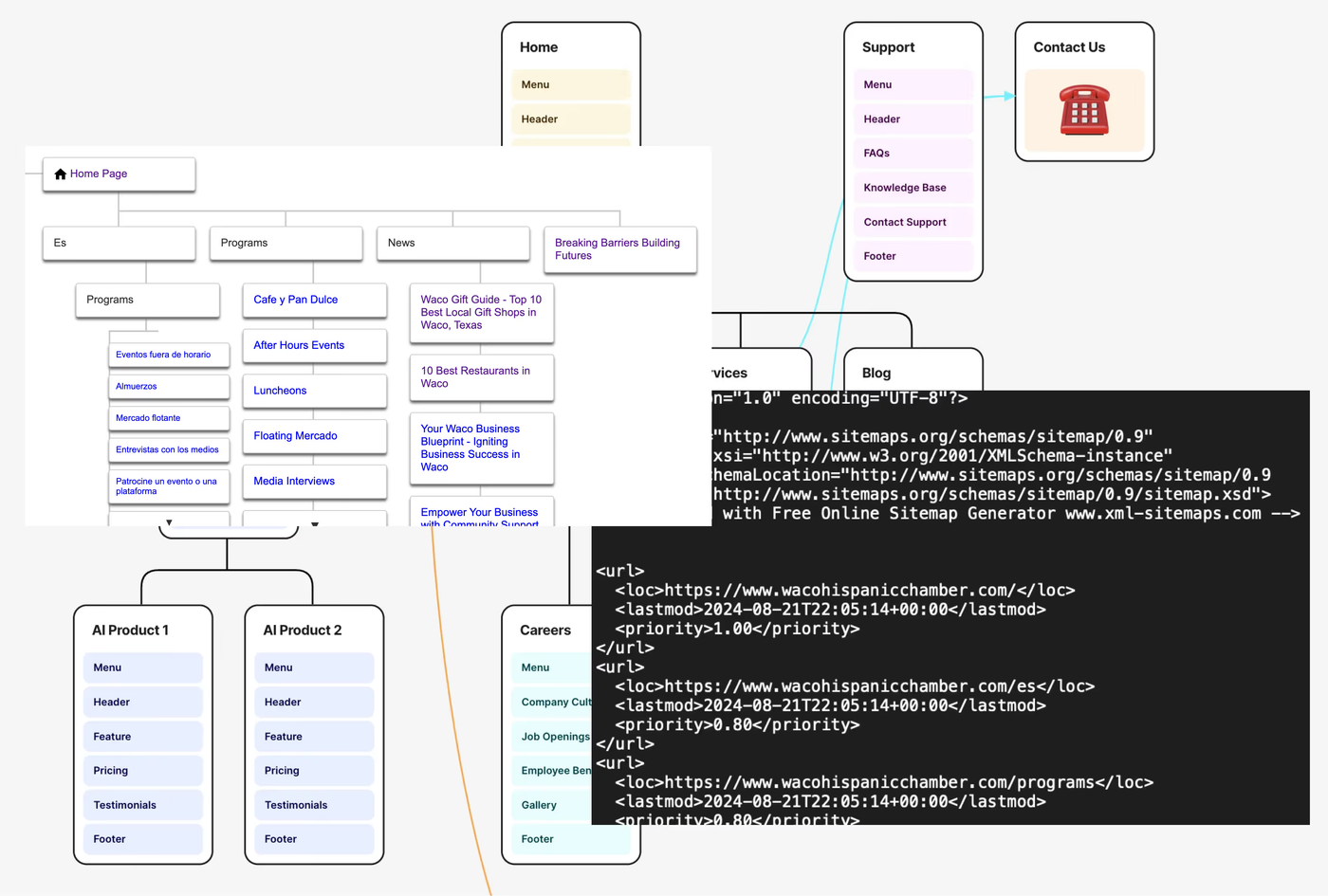
Check the sitemap documentation for your CMS and verify that the generated URLs match your intended public pages. These platform guides can help:
Frequency of Updating the Sitemap
Keep the sitemap aligned with your canonical, indexable pages. A sitemap helps Google discover URLs; repeatedly submitting it or changing publication dates does not guarantee crawling, indexing, or higher rankings.
Keyword Research
Using Free Tools
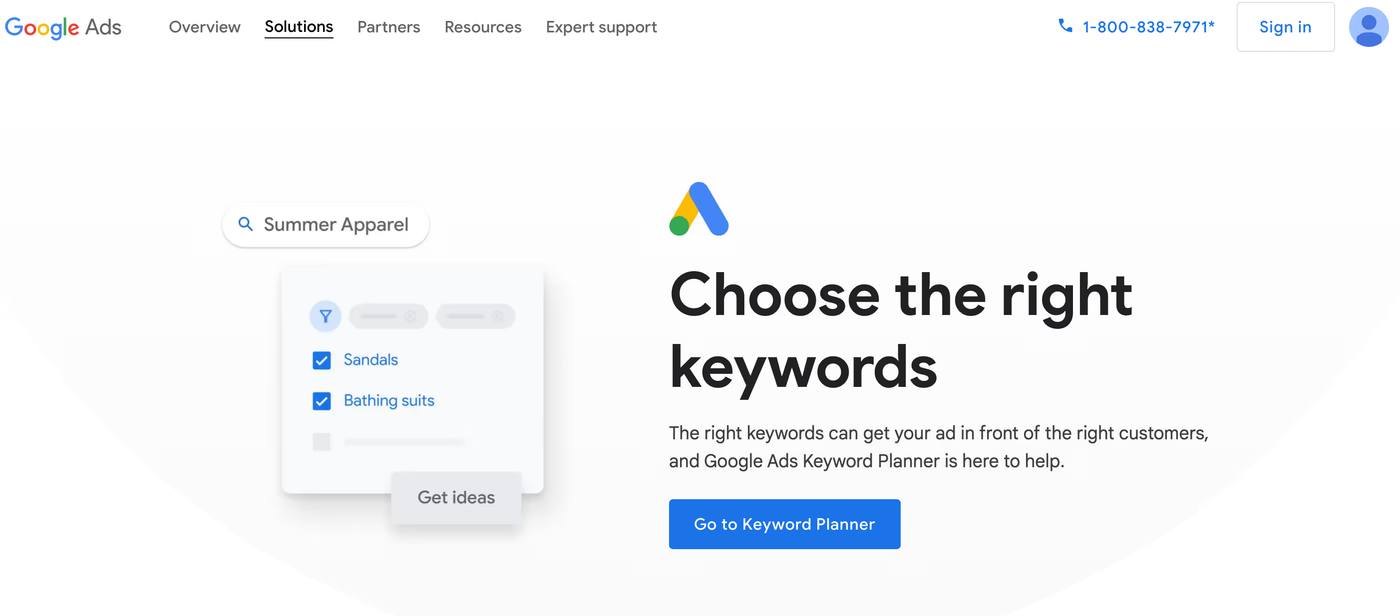
Start with your own Search Console queries and customer questions. If you use a third-party keyword tool, check its current access requirements and limits; its estimates are not Google’s ranking formula.
Finding Low Difficulty Keywords
Choose relevant topics you can answer well. Difficulty scores can help prioritize research, but the lowest score is not necessarily the best opportunity for your business.
Creating Content for Your Website
Focus on One Keyword Per Page
Once you know the keywords you want to rank for, create a page focused on one main keyword. For example, if you are a builder in Waco, your main keyword might be "Waco builder." Create a page according to that keyword.
Structuring Your Content
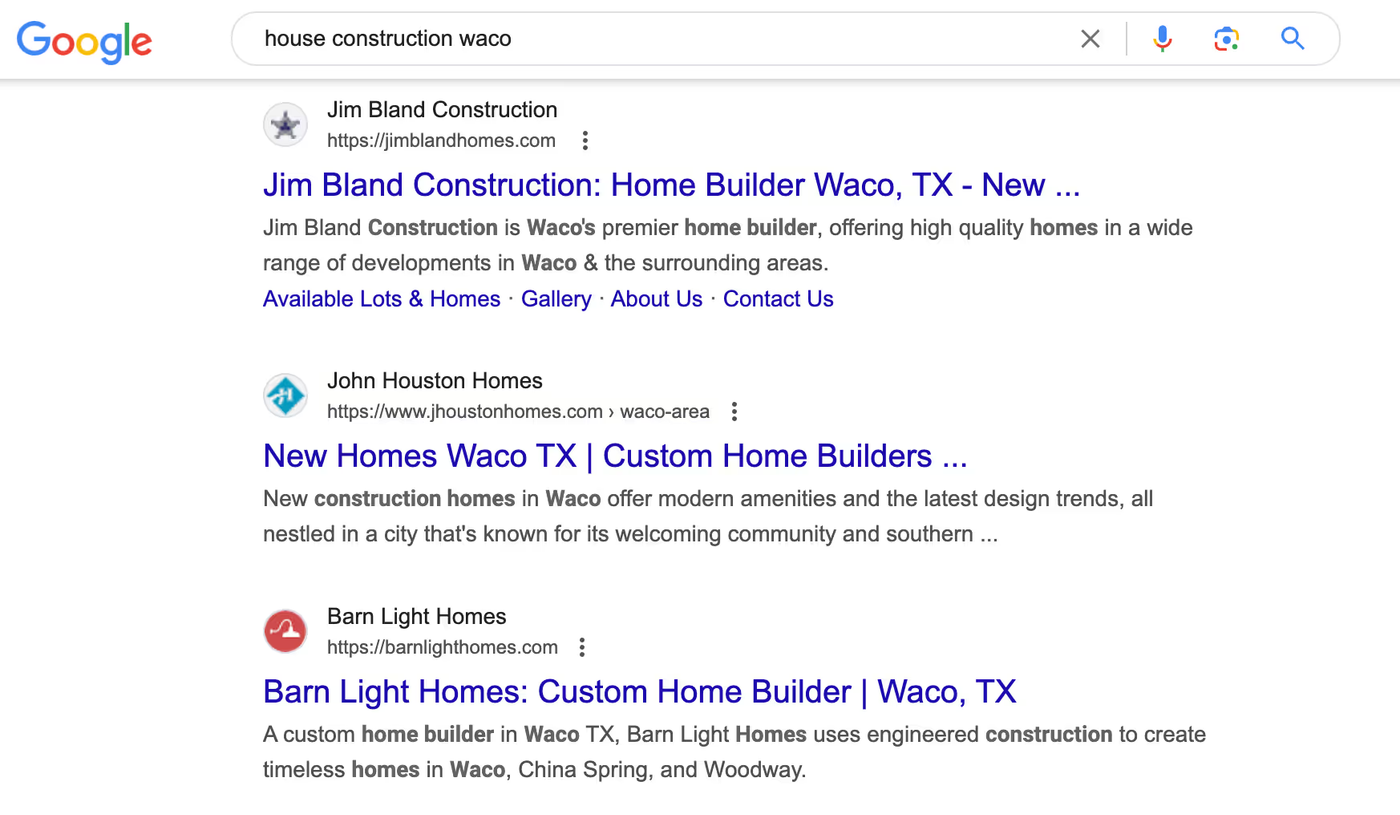
- What to Include: Decide what is important to communicate between you and your client. Use the StoryBrand framework if you need help creating content.
- Analyzing Competitors: Search your keyword, open the top 10 articles, and read their content. Look at their headlines (H1, H2, H3, H4) as they help Google understand the structure of your information.
Search Intent
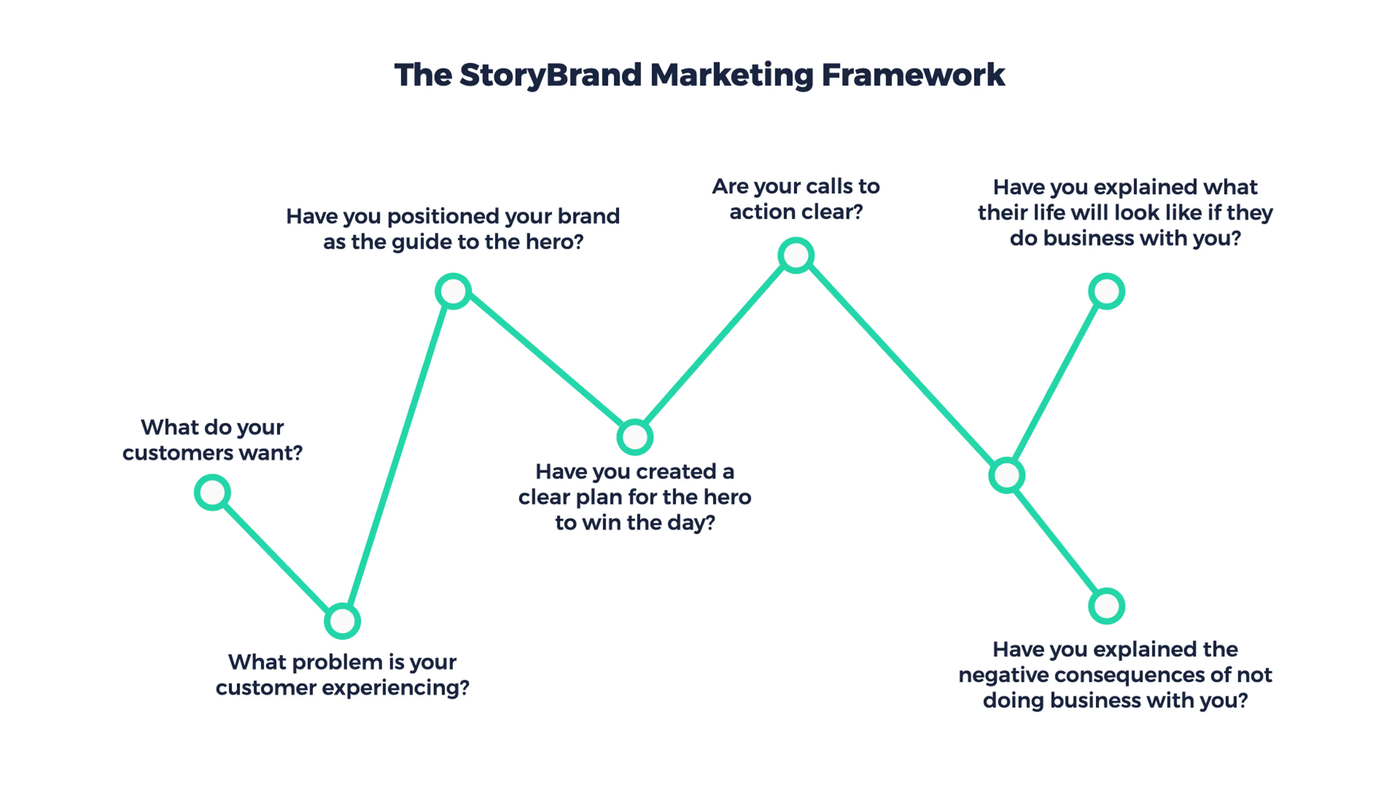
Distinguish the keyword with search intent. For example, "housebuilders Waco" and "house construction Waco" have the same search intent but are different keywords. Do not create separate pages for the same search intent.
Creating Additional Pages
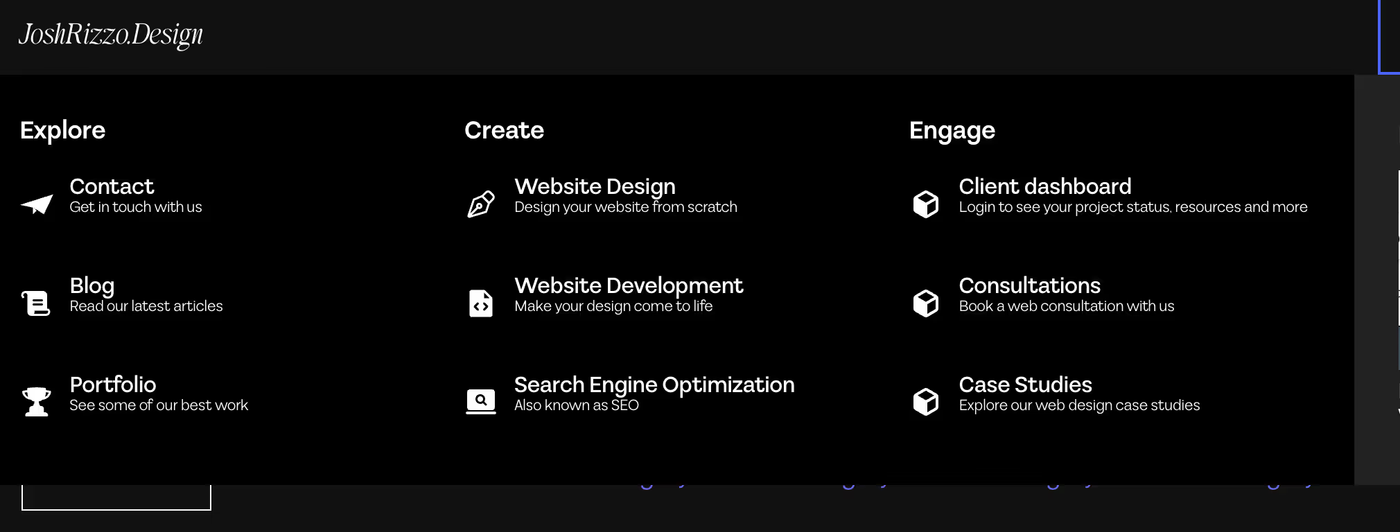
Create separate service pages when they answer distinct customer needs. Update content when facts or services change, and avoid creating multiple pages that repeat the same information for slightly different keywords.
Long-Term Strategy
SEO requires ongoing review. Measure relevant visits and qualified enquiries separately, and use those results to decide what to improve next. Contact Tortoise and Hare Studio if you need help evaluating your website.
Thank you very much, and have a great day.