


Unpublishing a Wix site makes its live website unavailable to the public while keeping the site available in your editor. It is different from hiding a page from search engines or restricting access with a password.
Before taking the site offline
Decide whether you need to remove public access or simply work on changes before publishing them. For a redesign, you may be able to keep the current site online while preparing the replacement. Record important URLs and preserve a copy of the content before removing pages.
Unpublish and republish
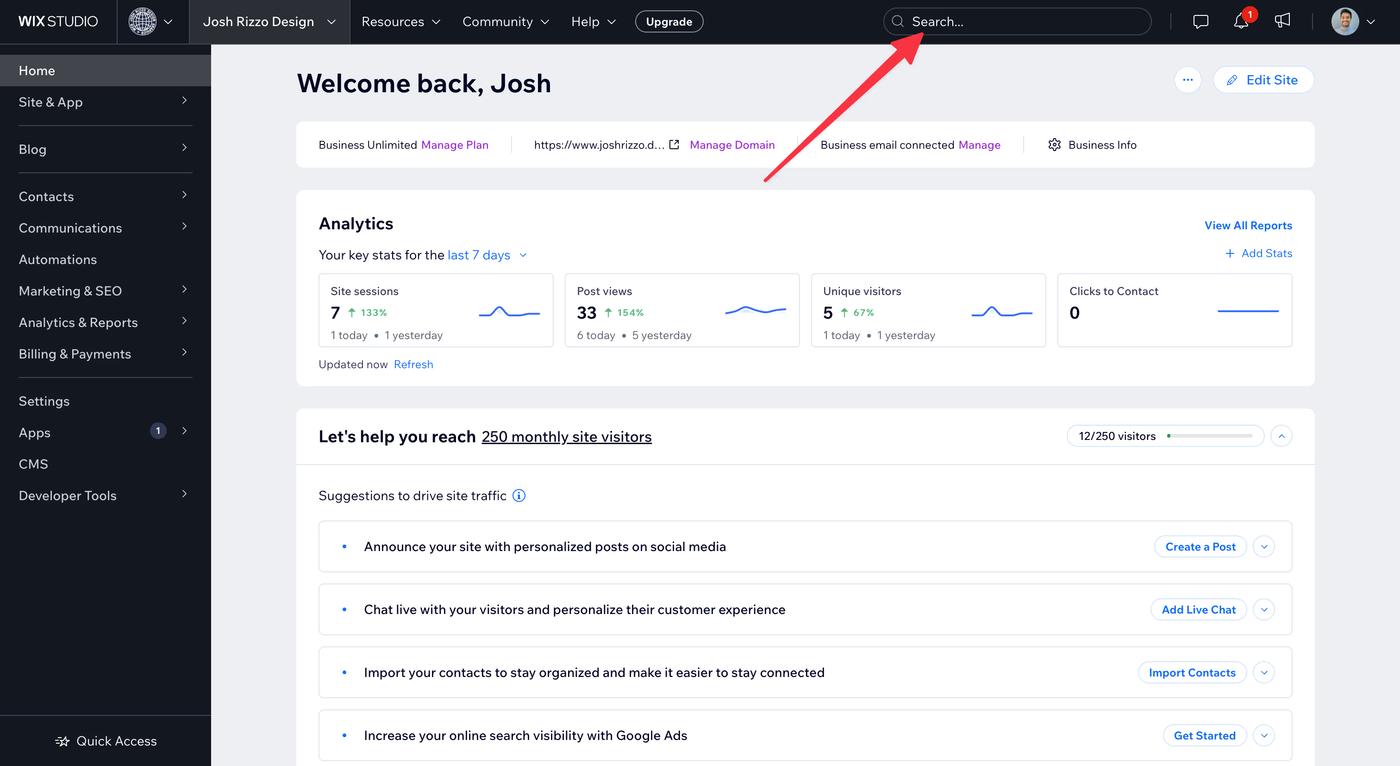
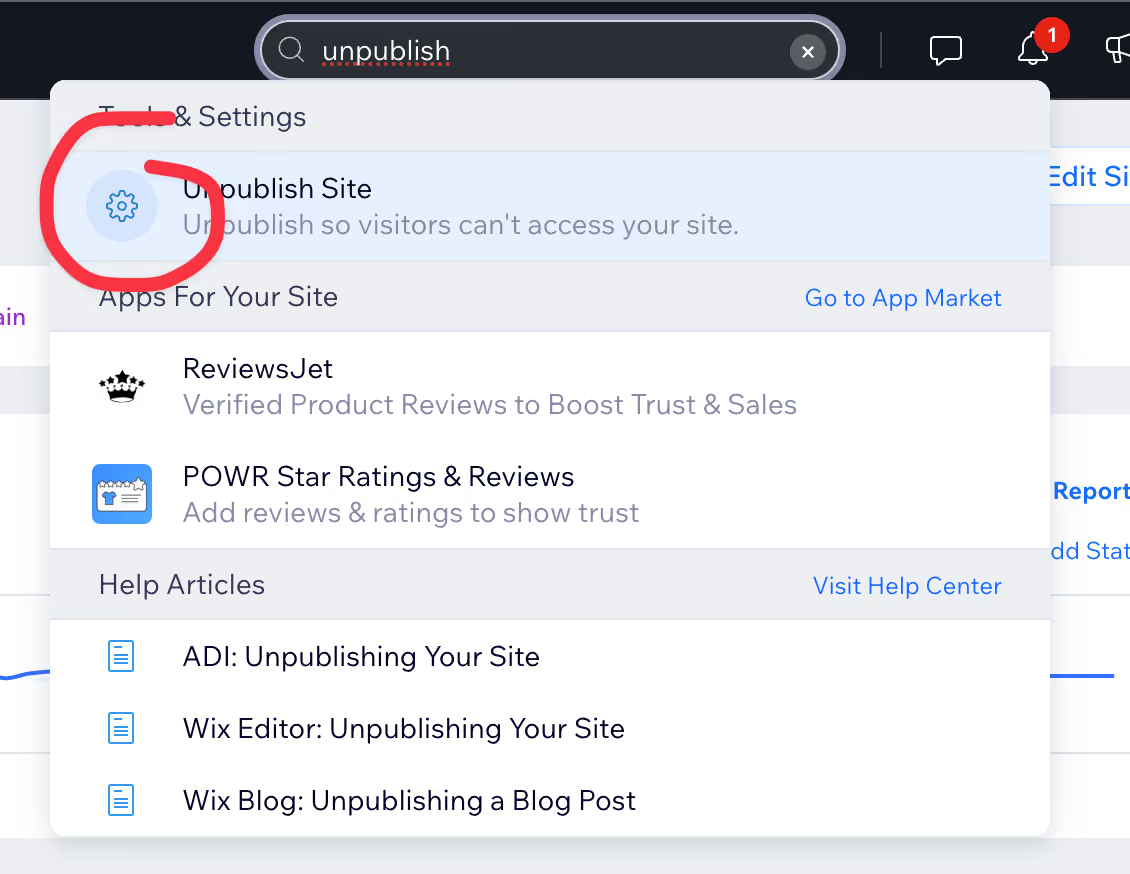
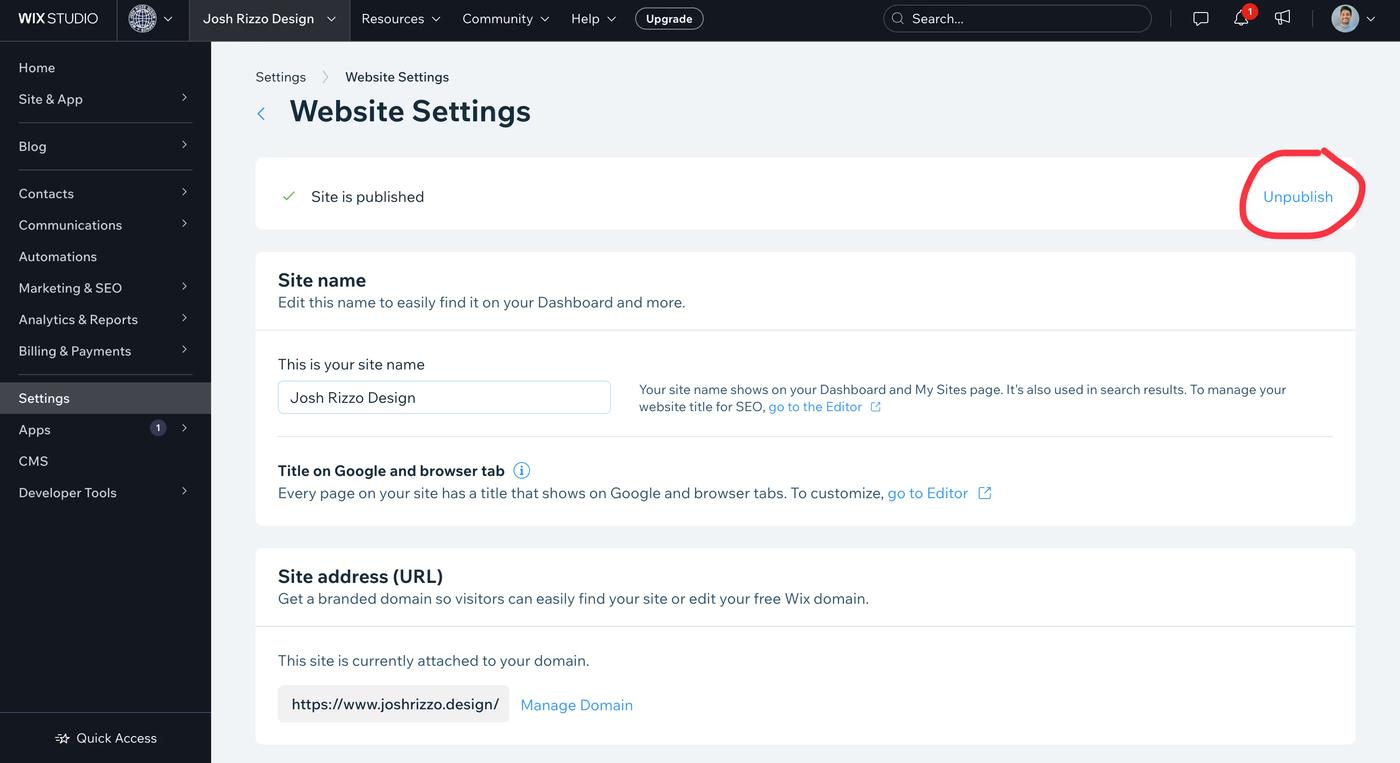
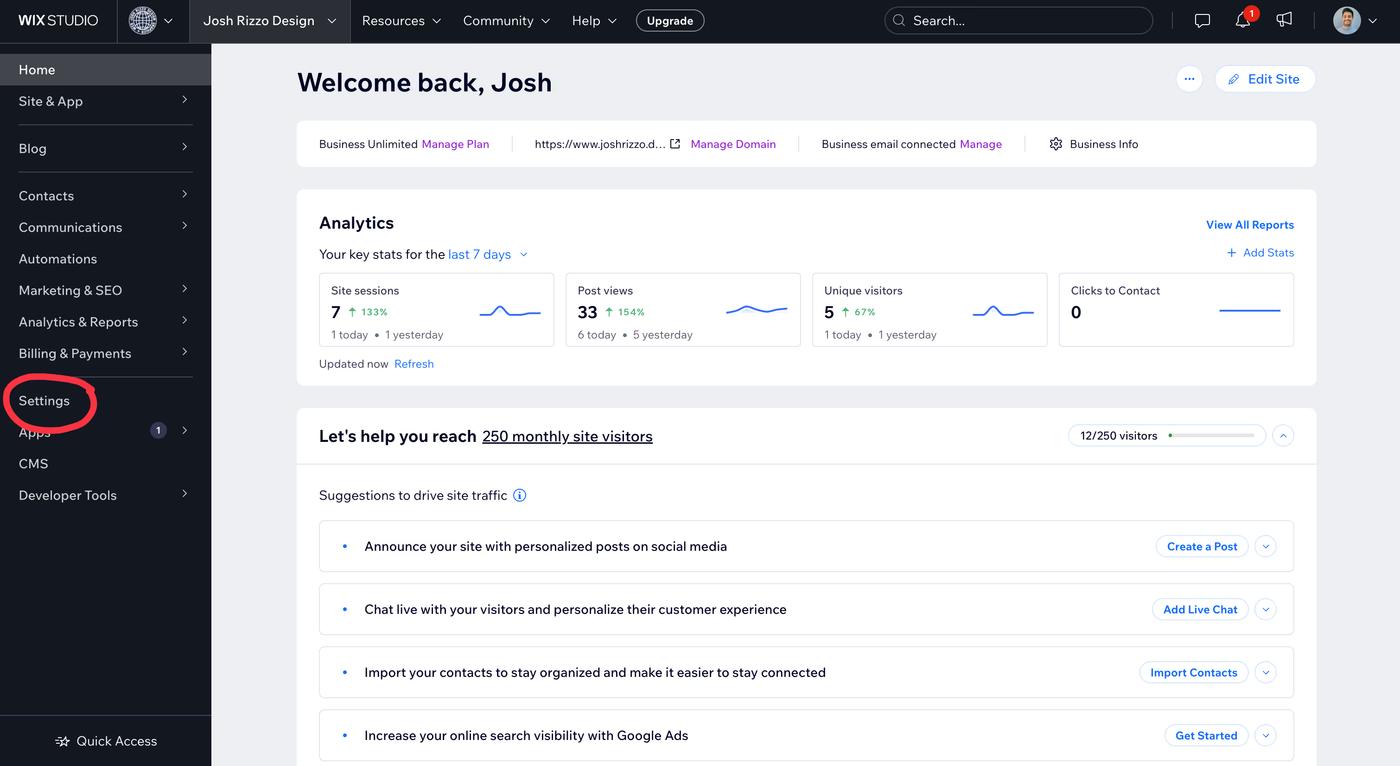
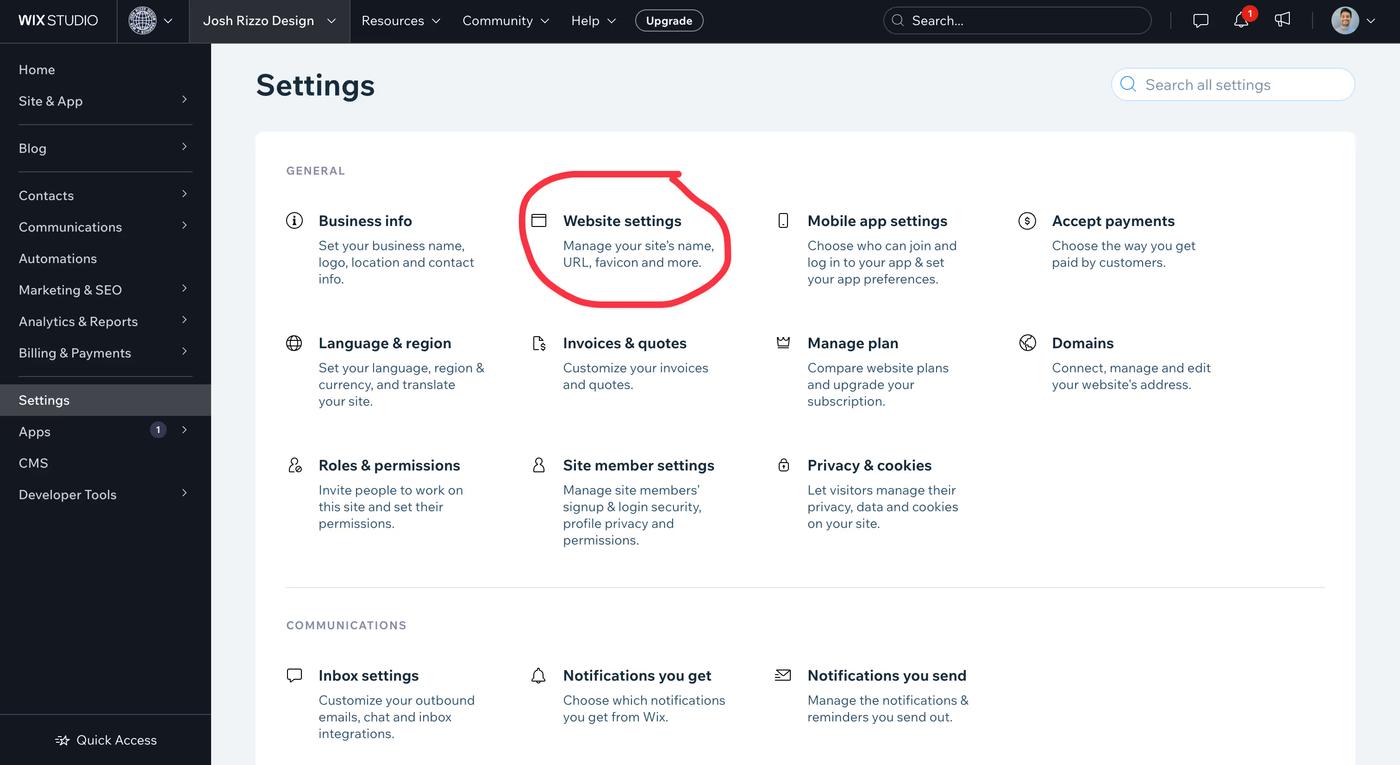
In Wix Editor, open the Site menu and choose Unpublish Site, then confirm the action in the dashboard and confirmation dialog. Wix also provides the option through the dashboard. Check the current support instructions if your editor uses different labels.
To restore public access, return to the editor and publish the site. Open its public URL separately and verify the pages visitors need. Unpublishing does not cancel your domain or paid plan; manage those subscriptions separately if that is also your intention.
Indexing and access are separate
A noindex directive asks search engines to exclude a page after they crawl it. It does not prevent someone with the URL from viewing the content. Use appropriate access restrictions for private information, and verify those restrictions separately.
When restoring a site intended for search, check that indexing is enabled, important pages return successfully, and the sitemap lists the right URLs. Search Console can help you inspect Google’s recorded state; it does not promise immediate recrawling or restoration of previous positions.
See Wix’s current unpublishing instructions. For a migration, review website structure and SEO before replacing valuable URLs.
Compare these options with a fully managed small-business website